Willkommen auf Valid Strategies!
Schön, dass du hierher gefunden hast. Ich mag ältere und neuere PC-Spiele, für die ich von Zeit zu Zeit German Language Packs erstelle, schreibe über meine Eindrücke zu von mir gespielten Games und zukünftig vielleicht auch über andere Dinge, die mir gerade (noch) nicht in den Sinn kommen. Viel Spaß auf meiner Website.
Gespielt
-
Mit Subnautica - Below Zero schicken euch die Entwickler von Unknown Worlds Entertainment erneut auf den geheimnisvollen Planeten 4546B. Statt jedoch einfach nur mehr vom Gleichen zu bieten, verlagert die eigenständige Fortsetzung das Abenteuer in eine eisige Polarregion. Gefrorene Küsten, kilometerdicke Gletscher und eiskalte Gewässer bilden die Kulisse für ein weiteres Survival-Abenteuer, das sich auf Erkundung, Crafting und das Überleben in einer feindlichen Welt konzentriert. Doch obwohl Bel
-
Subnautica – von dem Spiel dürften die meisten von euch bereits gehört haben, gilt es doch als eines der besten Survival- und Erkundungsspiele der jüngeren Zeit, und nicht zuletzt der Early-Access-Start des Nachfolgers vor einigen Wochen sollte dazu beigetragen haben, dass die Serie wieder präsenter geworden ist. Doch obwohl der Titel schon länger in meiner Steam-Bibliothek schlummert, habe ich Subnautica bis jetzt nie richtig gespielt. Ein, zwei Versuche gab es vor ein paar Jahren, aber die end
-
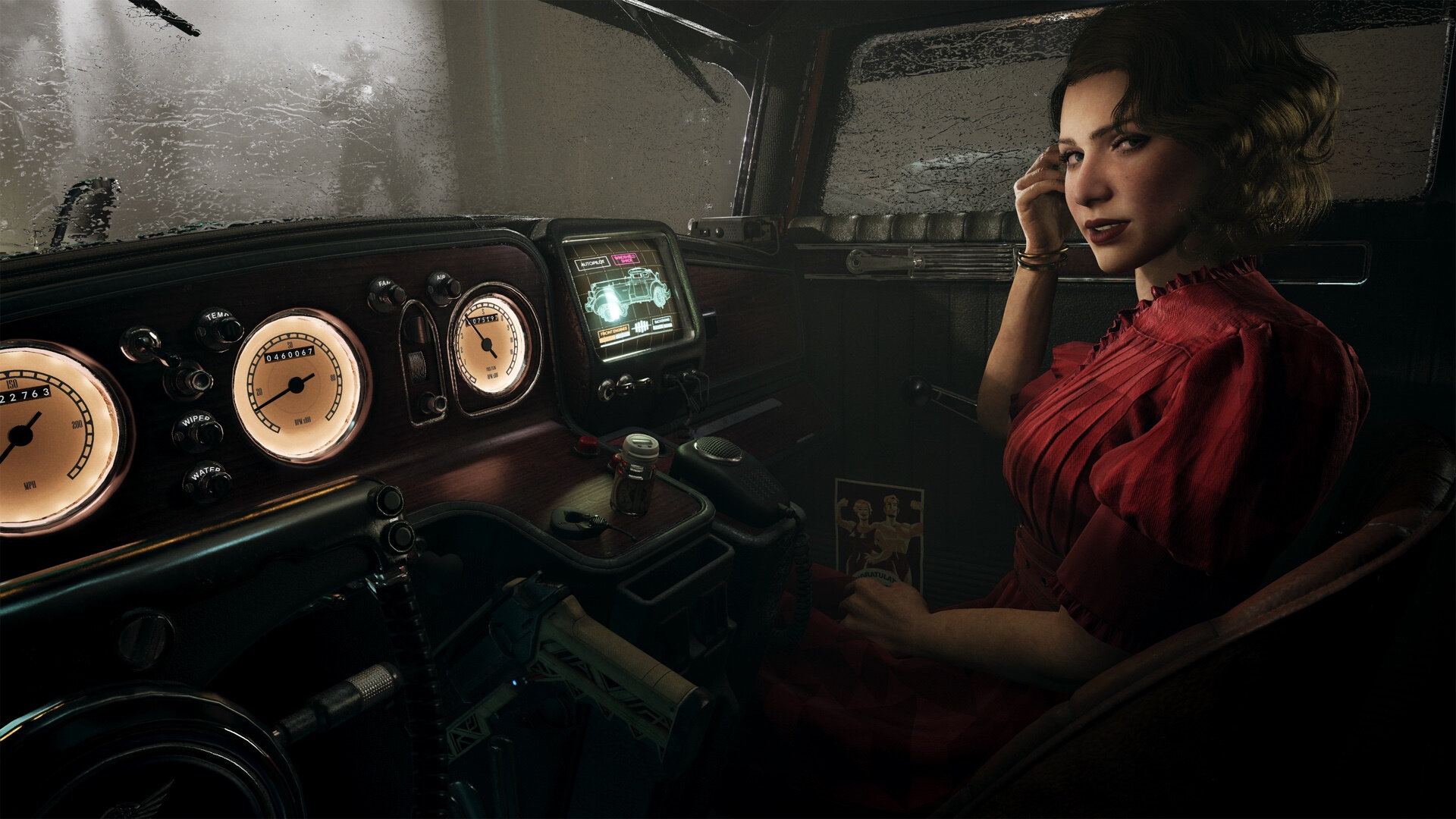
Stellt euch vor, ihr wandelt durch die verregneten neonfarbenen Straßenschluchten eines New Yorks, das ihr so noch nie gesehen habt. Wir schreiben das Jahr 2329. Die Menschheit hat das Unmögliche geschafft: Sie hat den Tod besiegt – zumindest theoretisch. In dieser dystopischen Welt von Nobody Wants to Die ist das Bewusstsein nichts weiter als ein Datensatz, der auf einem Gerät namens "Icorite" gespeichert und von einem Körper in den nächsten übertragen werden kann. Doch Unsterblichkeit ist kein
-
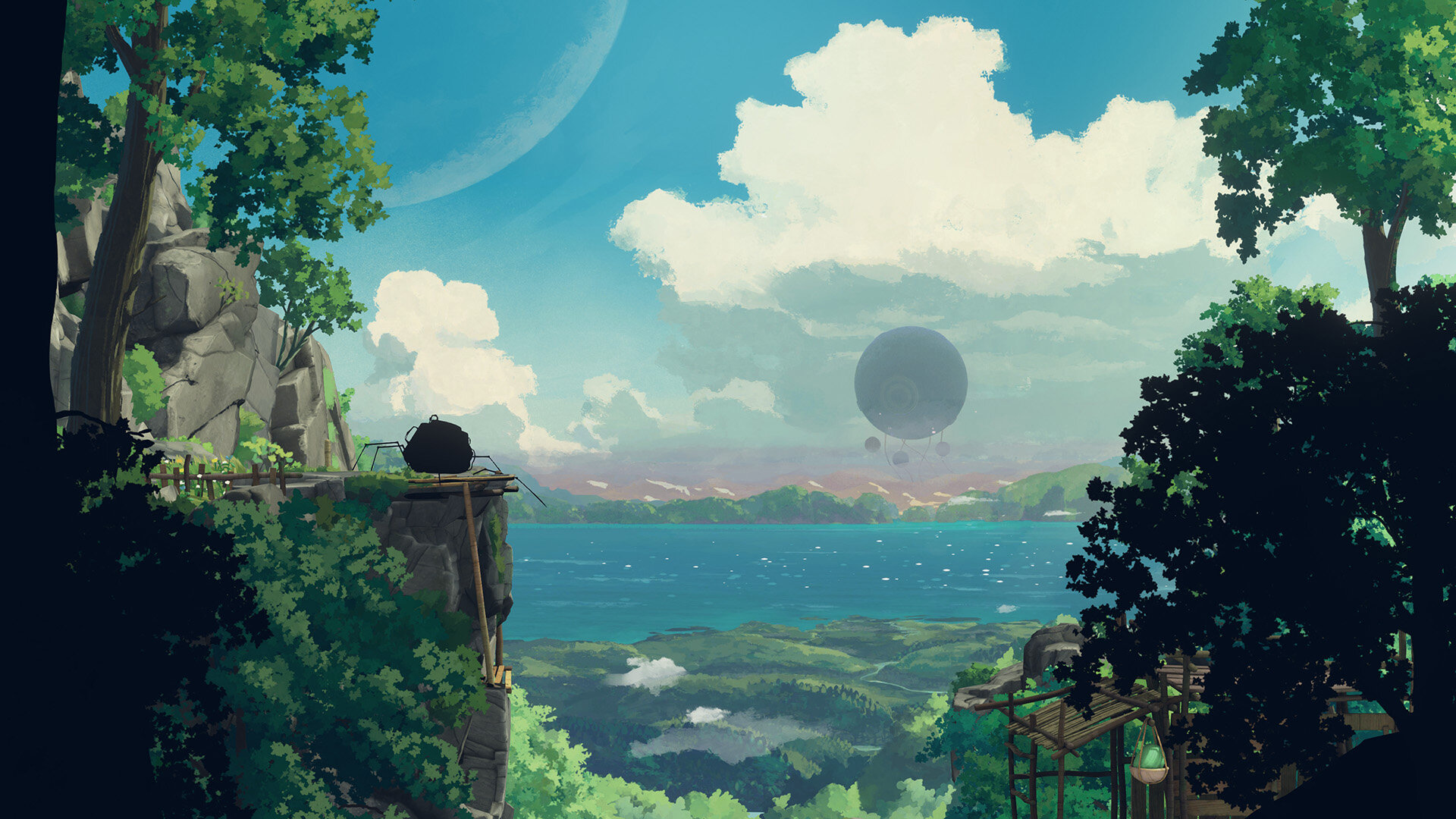
Es gibt diese Spiele, die hat man einfach nicht auf dem Schirm. Planet of Lana war bei mir so ein Fall, denn der Titel befindet sich schon länger in meiner Steam-Bibliothek, aber weder weiß ich, wann er dort hinzugekommen ist, noch habe ich ihm bislang Beachtung geschenkt. Als ich jedoch kürzlich anlässlich der Veröffentlichung des Nachfolgers Planet of Lana 2 von den äußerst positiven Rezensionen zu dem ersten Teil der Serie erfuhr, wurde ich dann doch neugierig – und gab Planet of Lana eine Ch
-
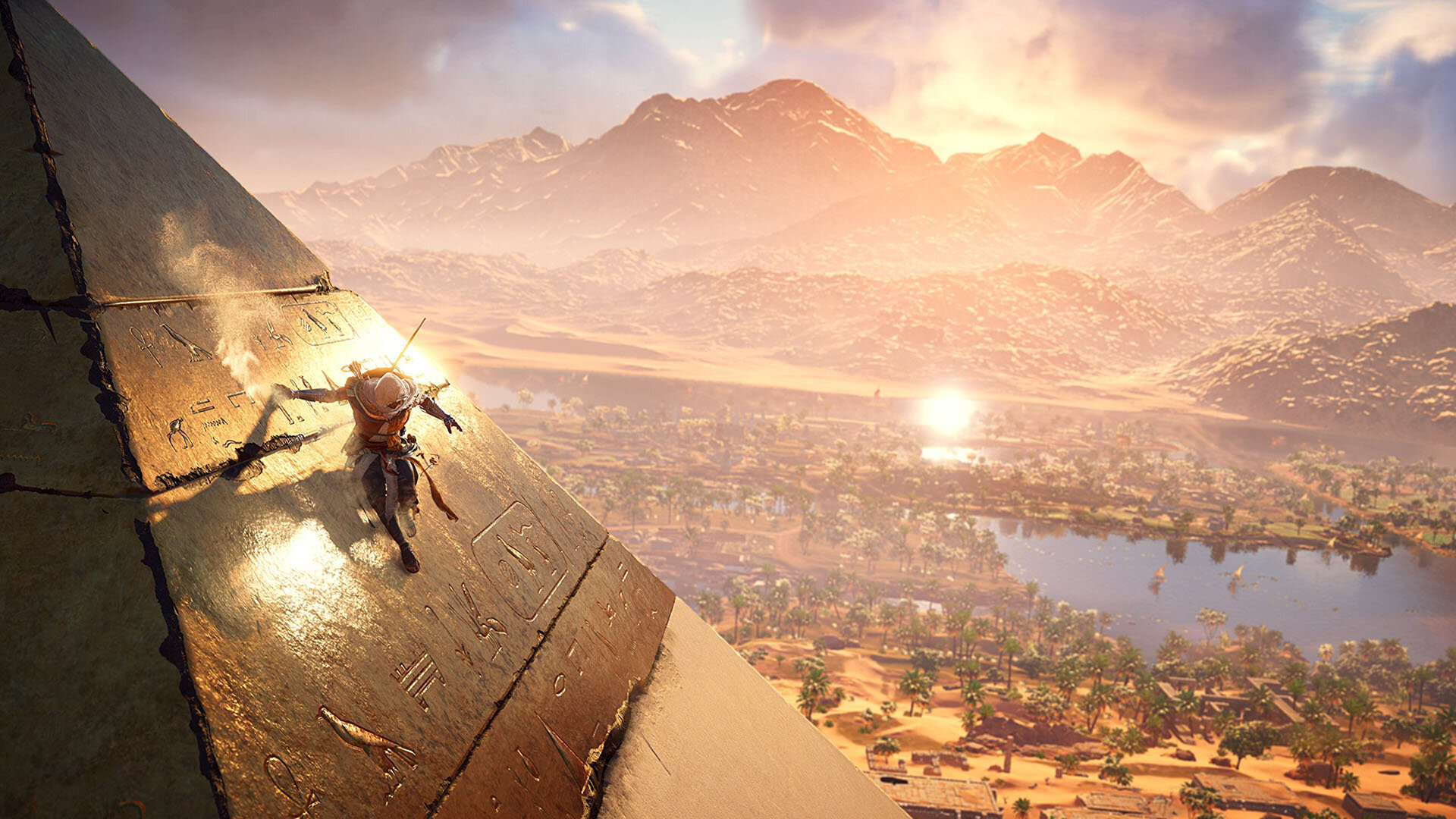
Ich habe Assassin's Creed - Origins im Dezember 2025 inklusive aller verfügbaren DLCs für unter 10 EUR auf Steam erworben. Mein letzter Kontakt mit der Spieleserie war Assassin's Creed 2 aus dem Jahre 2009. Die Assassinen-Hintergrundgeschichte und die Ubisoft-typische Open World mit endlos vielen zu erledigenden Aufgaben haben mich nie besonders interessiert und so geriet die Serie bei mir in Vergessenheit. Dank des günstigen Angebots im letzten Sale auf Steam wollte ich Assassin's Creed allerdi




Neue German Language Packs
-
Zeus + Poseidon (Steam) German Language Pack
Dieses German Language Pack wandelt die fremdsprachige Steam-Version von Zeus + Poseidon in die deutsche Fassung um. Ladet euch einfach die Datei herunter, entpackt Sie in ein beliebiges Verzeichnis auf eurem PC und führt das Sprachpaket aus. Ihr werdet dann Schritt für Schritt durch die Installation geführt. Anschließend liegt das Spiel auf eurem System in der deutschen Fassung vor.- 71 Downloads
- 0 Kommentare
-
Sid Meier's Pirates (GOG) German Language Pack
Dieses German Language Pack wandelt die fremdsprachige GOG-Version von Sid Meier's Pirates in die deutsche Fassung um. Ladet euch einfach die Datei herunter, entpackt Sie in ein beliebiges Verzeichnis auf eurem PC und führt das Sprachpaket aus. Ihr werdet dann Schritt für Schritt durch die Installation geführt. Anschließend liegt das Spiel auf eurem System in der deutschen Fassung vor. Dieses Sprachpaket wurde mit freundlicher Unterstützung durch unser Community-Mitglied @Franjo realisiert.- 162 Downloads
- 0 Kommentare
-
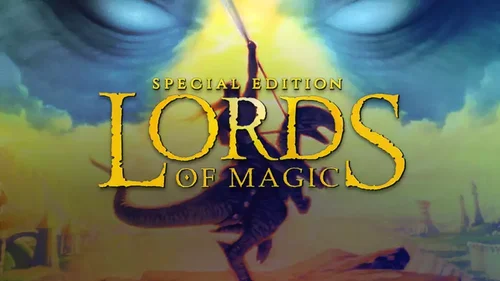
Lords of Magic SE (GOG) German Language Pack
Dieses German Language Pack wandelt die fremdsprachige GOG-Version von Lords of Magic SE in die deutsche Fassung um. Ladet euch einfach die Datei herunter, entpackt Sie in ein beliebiges Verzeichnis auf eurem PC und führt das Sprachpaket aus. Ihr werdet dann Schritt für Schritt durch die Installation geführt. Anschließend liegt das Spiel auf eurem System in der deutschen Fassung vor.- 35 Downloads
- 0 Kommentare

Neue Themen




Neueste Achievements
-
Kaisermarci hat das Abzeichen One Year In erhalten
Ist seit einem Jahr registriert

-
bridgettuttle hat das Abzeichen Erster Beitrag erhalten
Hat einen ersten Beitrag verfasst

-
de_vipp hat das Abzeichen One Year In erhalten
Ist seit einem Jahr registriert
-
Franjo hat das Abzeichen One Year In erhalten
Ist seit einem Jahr registriert
-
Serena54 hat das Abzeichen One Month Later erhalten
Ist seit einem Monat registriert